MLP Picrew Guide: Pony Makers, OC Tips, and Safer Alternatives
MLP Picrew is usually a search for pony-inspired avatar makers, ponysona builders, and quick visual OC ideas. The best choice depends on what you need: a cute profile image, a full original character plan, an old-school pony creator game, or a safer workflow for sharing fan art without misusing someone else's maker.
Quick Answer: What Should You Use?
If you searched for MLP Picrew, start with the exact maker page you like, then check its rules before saving, reposting, editing, or using the image as a public avatar. If you want a full character concept instead of only a picture, use the MLP OC Maker first, then turn the result into a visual design with a Picrew-style maker or your own drawing.
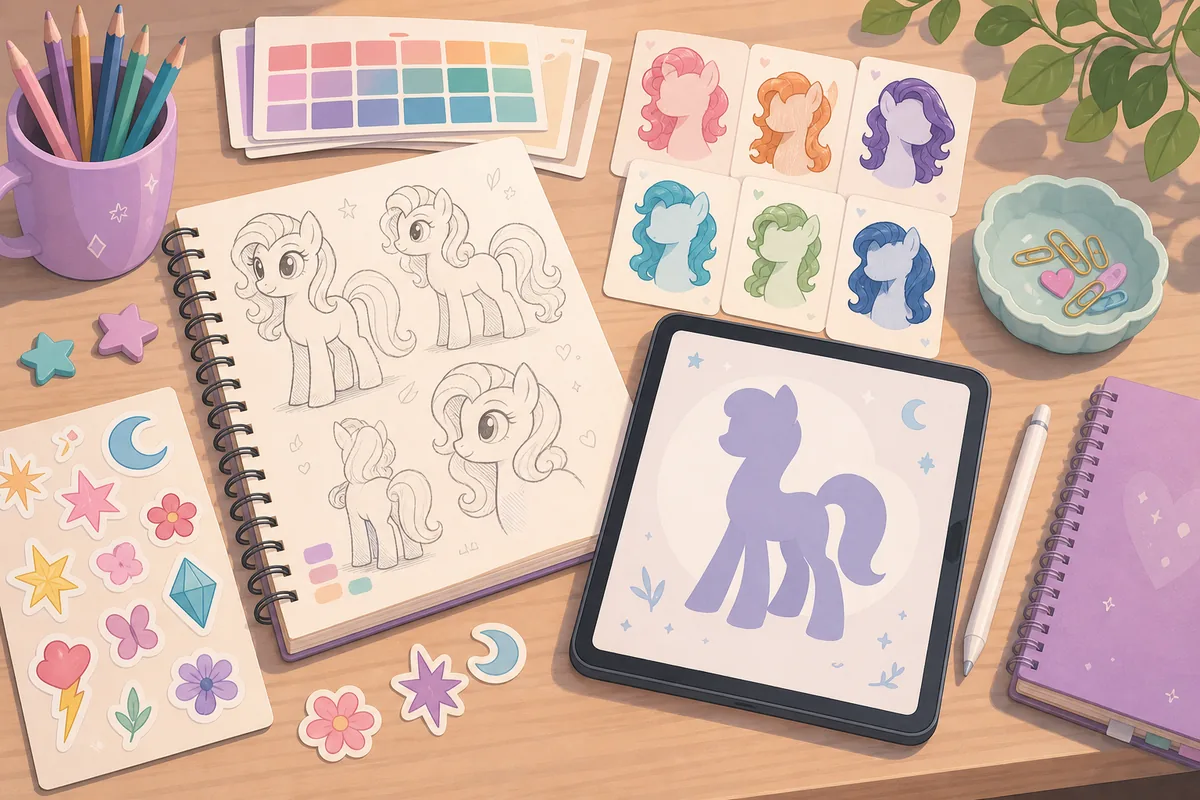
For names, pair your visual idea with the MLP Name Generator. For canon context, use the MLP Characters guide. This page does not copy Picrew screenshots or third-party pony maker images; the visuals here are editorial illustrations made for explanation, not official assets.
MLP Picrew vs Ponysona Maker vs OC Maker
The phrase "MLP Picrew" mixes several intentions. Some fans want a direct Picrew image maker. Some want a ponysona maker that feels like a character creator. Others want Pony Creator V3 because they remember older browser dress-up games. Treating all of those searches as one thing can lead to the wrong page.
A visual avatar maker is best when you already know the character's mood and only need a face, mane, colors, or profile-picture style. An OC maker is better when the hard part is deciding who the pony is: their talent, personality, cutie mark logic, friendship role, and name. A legacy pony creator game is best when you want a nostalgic play session, not necessarily a polished character sheet.
Best Fit by Search Intent
Use the table before opening a dozen tabs. It separates high-overlap keywords such as "mlp picrew," "picrew mlp oc," "ponysona maker," and "pony creator v3" by the job the searcher is trying to finish.
| Search or need | Best page type | Use it for | Watch out for |
|---|---|---|---|
| MLP Picrew | Picrew maker or guide | Finding a pony-inspired image maker and checking usage rules. | Each creator can set different permissions, so do not assume reuse rights. |
| Picrew MLP OC | Visual-first OC helper | Turning an existing OC concept into a profile image or reference idea. | The image may not define the full personality, name, or cutie mark meaning. |
| Ponysona maker | OC planning tool | Building a self-insert or fan character around traits, colors, and story. | Search results may mix avatar tools, old games, and fan discussion threads. |
| Pony Creator V3 | Legacy game or archive page | Nostalgic pony customization, poses, colors, and dress-up play. | Some versions depend on old Flash-era archives or third-party hosting. |
| MLP OC Maker | Character planning tool | Generating pony type, personality, colors, cutie mark idea, and story hook. | You may still need a separate drawing or avatar maker for the final image. |
Before You Save or Share a Picrew Pony
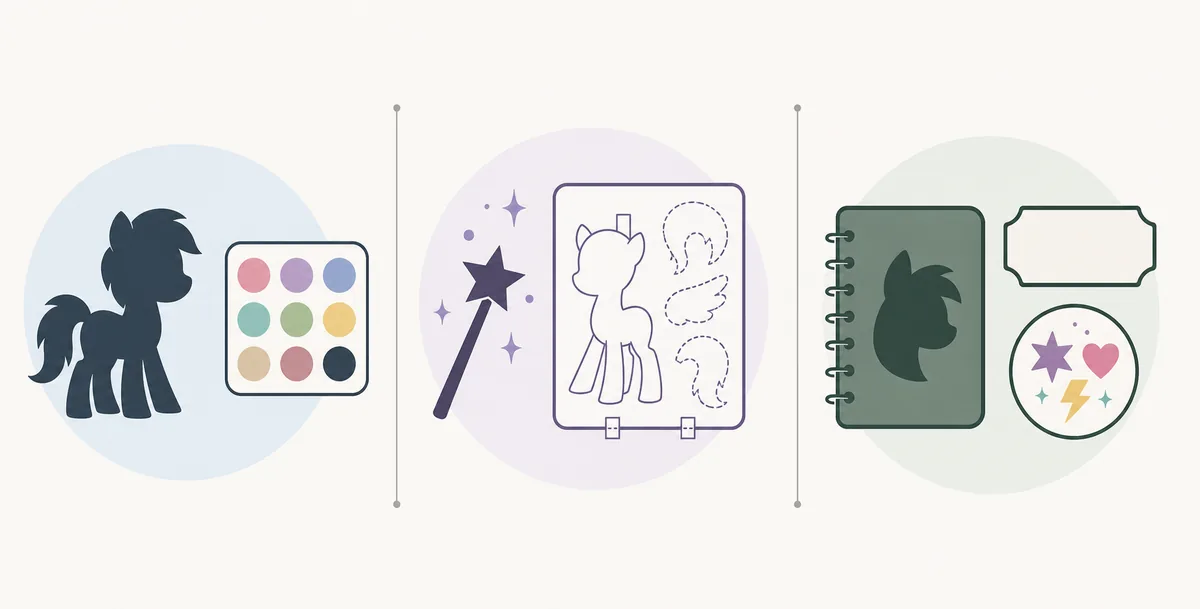
The most important step is boring but necessary: read the maker's rules. Picrew is a platform for many independent creators. A maker that allows personal icons may not allow commercial use, edits, reposting without credit, tracing, merchandise, or use in another app. If the page has icons or written rules, treat them as the creator's boundary.
For casual fan use, keep the source link with your notes. If you share the image on a profile, credit the maker when the creator asks for credit. If you plan to use the character in a game, commission sheet, shop listing, streaming brand, or paid product, do not rely on a Picrew avatar unless the creator explicitly permits that use.
Usually safer
Personal brainstorming, private reference boards, non-commercial profile icons when the maker allows it, and mood-board style planning for your own later drawing.
Needs extra caution
Commercial avatars, adoptables, merchandise, game assets, NFT-style uses, heavy edits, tracing, repost packs, or presenting the maker's output as your own original art.
Where Pony Creator V3 Fits
Pony Creator V3 is a different intent from MLP Picrew. Searchers usually want an older interactive pony creator experience: body type, mane, tail, colors, accessories, and poses. That can be fun for nostalgia and quick experimentation, but it may not answer "what is my ponysona's personality?" or "what should my cutie mark mean?"
Use Pony Creator V3 or similar legacy creators when you want to play with shapes and colors. Use the MLP OC Maker when you need the character logic behind the design. Then use the cutie mark meanings guide to make the symbol feel connected to talent rather than pasted on at the end.
Which MLP Picrew Variant Fits Your Idea?
Searches such as Picrew MLP, My Little Pony Picrew, and MLP OC maker Picrew often describe the same early step: finding a visual style. If you want an Equestria Girls-inspired look, a kirin design, or a classic pony creator, check the individual maker’s available parts and permissions instead of assuming every result supports the same character type.
Use the visual maker for exploration, then keep the character logic in your notes or in the MLP OC Maker. That keeps this guide focused on choosing and using a maker while the functional OC page owns the actual planning workflow.
A Better Ponysona Workflow
A strong ponysona usually starts with identity before decoration. If you choose hair, color, and accessories first, the result may look cute but feel generic. If you start with role, strengths, stress habits, and a symbolic talent, every visual choice becomes easier.
- Pick the core role. Decide whether the pony is a helper, performer, scholar, flyer, artist, prankster, caretaker, builder, musician, or explorer.
- Choose pony type and color mood. Match pegasus, unicorn, earth pony, or alicorn-inspired fantasy to the story you want to tell.
- Plan the cutie mark meaning. Pick one symbol family, such as weather, food, gems, stars, flowers, music, books, animals, or tools.
- Test names after the concept. A name works better when it reflects the same talent and mood as the design.
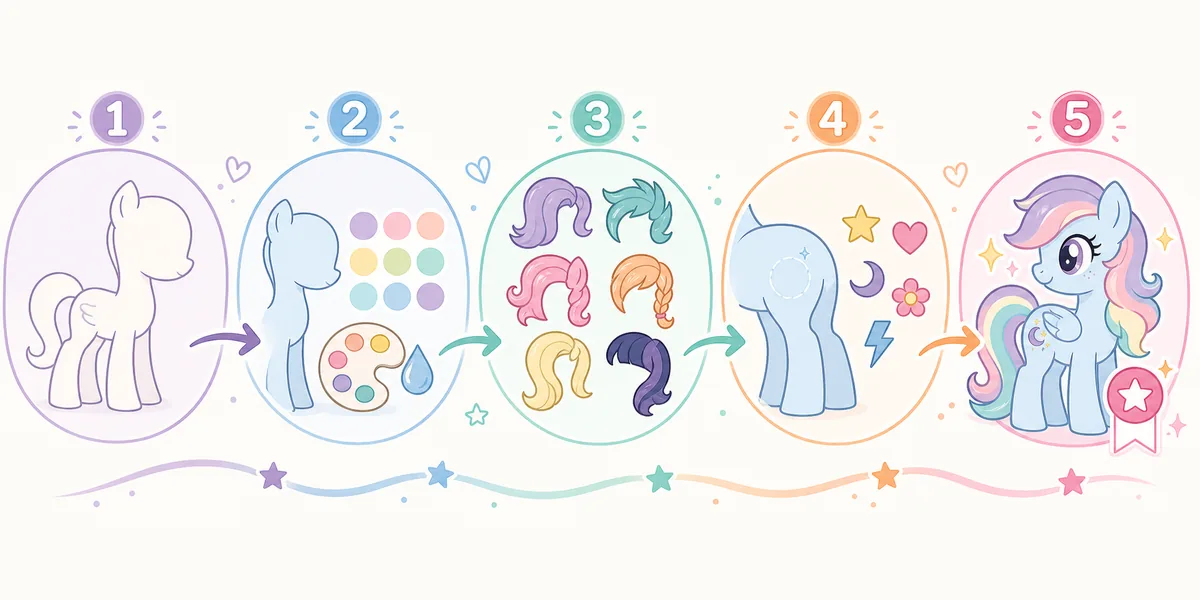
- Use a visual maker last. Now a Picrew-style image, drawing, or character creator has a clear brief instead of random choices.
How This Site Helps After Picrew
Picrew-style tools are strongest at visual exploration. This site is strongest at character logic. Use both in order: generate or draft the personality first, then make the picture. That gives you a pony who looks coherent and has a reason to exist beyond a pretty palette.
| Next step | Use this page | Why it helps |
|---|---|---|
| Find your closest Mane 6 energy | My Little Pony Test | Gives a personality anchor before making a ponysona. |
| Build a full fan character | MLP OC Maker | Creates pony type, personality, talent, cutie mark idea, and story hook. |
| Name the character | MLP Name Generator | Turns the concept into a name that fits MLP-style patterns. |
| Check symbol logic | Cutie Mark Meanings | Prevents a random symbol from clashing with the character's talent. |
| Compare canon roles | MLP Characters | Helps you avoid making a near-copy of an existing character. |
Media and Source Note
For this fan guide, I checked official and first-party-style sources before choosing visuals: Picrew maker pages, Picrew's posted platform information, Pony Creator V3 listings on game/archive sites, Doll Divine-style pony creator pages, Hasbro's My Little Pony brand site, and fan wiki/reference pages. I did not copy screenshots from Picrew, Numuki, Doll Divine, Flash Museum, or user-created avatar pages because maker permissions and user-generated image rights can vary by creator.
The three images in this article are purpose-made editorial illustrations. They are not official My Little Pony screenshots, not Picrew screenshots, not real game UI, and not proof that any third-party maker grants reuse rights.
Sources and Related Reading
Start with the Picrew platform and the specific maker page you want to use, because individual makers can set their own allowed-use rules. For brand context, use the official My Little Pony site from Hasbro. For character context, fan-maintained references such as MLP Fandom's character index can help, but fan wikis should be treated as secondary references.
FAQ: MLP Picrew
What is MLP Picrew?
MLP Picrew usually means a fan search for Picrew image makers that can create pony-inspired avatars, ponysonas, or original character concepts. It is a search phrase, not one single official My Little Pony tool.
Is MLP Picrew official?
No. Picrew makers are created by individual artists on the Picrew platform. Treat them as fan or creator-made tools unless the specific page clearly states otherwise.
Is MLP Picrew the same as an MLP OC maker?
No. A Picrew maker is usually visual-first. An MLP OC maker helps plan the character's type, personality, talent, colors, cutie mark idea, name direction, and story hook.
Can I use a Picrew pony avatar commercially?
Do not assume commercial use is allowed. Check the specific maker's rules and Picrew's platform guidance first. If permission is unclear, keep the image for personal brainstorming rather than public commercial use.
What is the best alternative to MLP Picrew?
For a visual avatar, use the Picrew or pony maker whose style you like and whose rules fit your use. For a full character concept, use the MLP OC Maker, then use a drawing or avatar tool after the idea is clear.
How do I make a better ponysona?
Start with personality, role, pony type, and cutie mark meaning before choosing colors and mane style. A ponysona feels stronger when the visual choices match the character's talent and story.
Is Picrew MLP the same as a pony creator?
No. Picrew MLP usually means a visual avatar maker, while a pony creator may offer a broader customization playground. An OC maker adds personality, talent, cutie mark, and story planning that a picture maker may not provide.